

To create an Assignment, you must join AgentX.ID.Complete your ProfileVerify your ID and Tax IDIf you have difficulties, ask Admin for help to complete these steps.
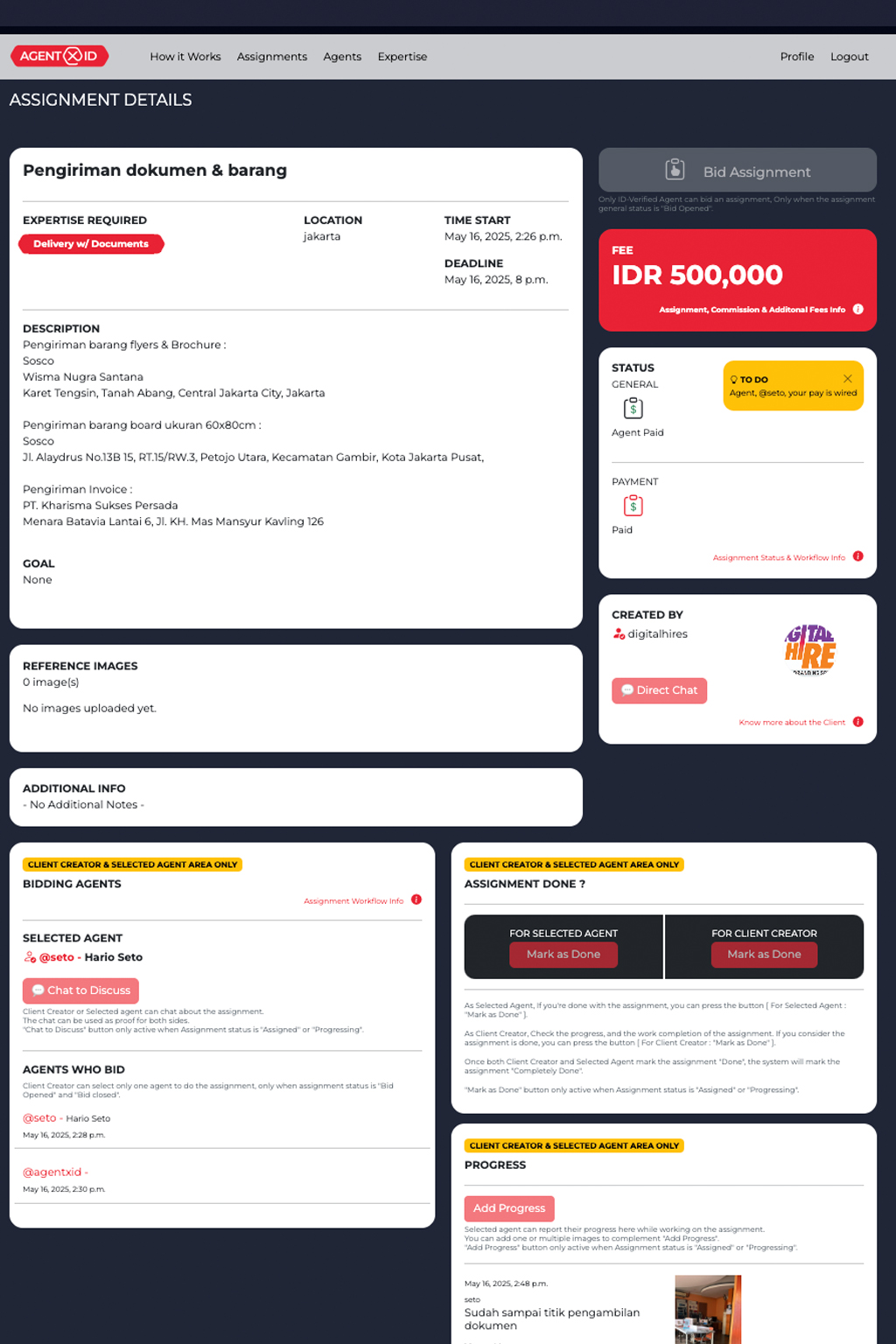
Go to your Profile page > Assignment tab > Create Assignment.Complete the form: Title, Description, Start–End Date, Budget (Fee), Location, Goal, Reference Images, Additional Notes.
On the Assignment page > on Status section:Click Create InvoiceRefresh the pageClick Check InvoiceProceed to payment
After payment is completed, the system will open the Assignment for bidding.Agents will place bids on your Assignment. Review their profiles, then choose the agent who fits best.
The agent you choose will start the assignment. You can coordinate via chat and monitor progress on the Assignment page.
The agent can press the DONE button when they believe the work is finished.As the client, you can review the work and press DONE as well.Once both sides press DONE, the Assignment is 100% complete.
After the Assignment is 100% complete, the agent will receive the payment after deductions (local tax, platform fee, etc.).Review the deduction details on the relevant page.