OBS Studio
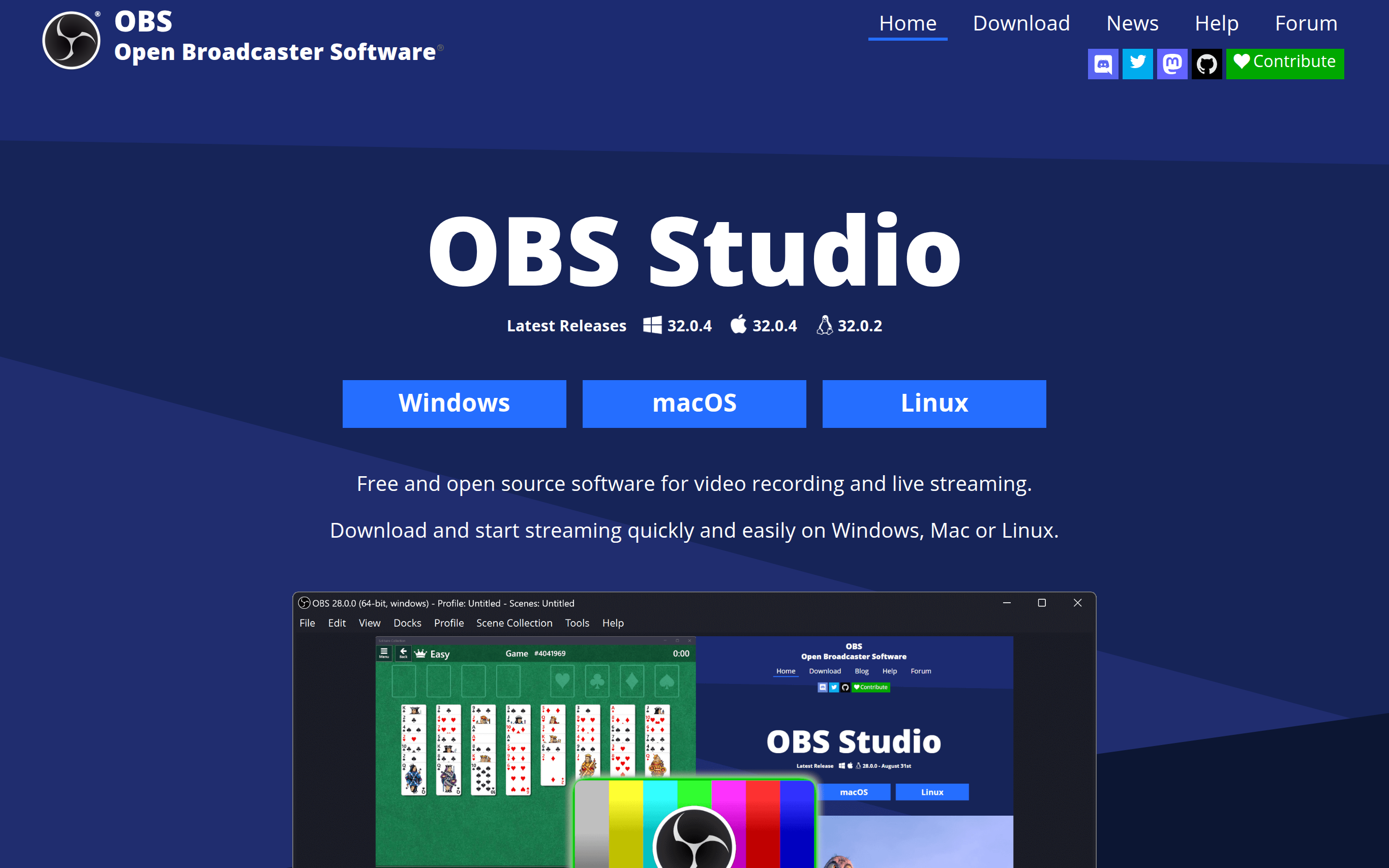

OBS Studio is a free and open-source software designed for video recording and live streaming. It allows users to capture high-performance real-time video and audio, enabling content creators to effectively engage with their audience. The software supports multiple platforms, including Windows, Mac, and Linux, ensuring accessibility for a broad user base. OBS Studio differentiates itself with its extensive customization options, modular UI, and seamless integration with various streaming services, providing creators with the tools needed to produce professional-quality broadcasts.
Basic Capabilities :
High Performance Capturing, Scene Creation, Intuitive Audio Mixer, Customizable Transitions, Cross-Platform Support
Basic Capabilities :
High Performance Capturing, Scene Creation, Intuitive Audio Mixer, Customizable Transitions, Cross-Platform Support
GOOD FOR
PERSONAL: OBS Studio caters to individual content creators, gamers, and streamers who need a versatile tool to produce streaming or recorded content. Users benefit from its high-performance capabilities and flexibility, allowing them to create dynamic presentations.
BUSINESS: The software is ideal for businesses looking to engage audiences through webinars, tutorials, or product showcases. Teams can streamline their production workflows, leverage advanced features, and boost audience interaction with professional-quality video content.
BUSINESS: The software is ideal for businesses looking to engage audiences through webinars, tutorials, or product showcases. Teams can streamline their production workflows, leverage advanced features, and boost audience interaction with professional-quality video content.
FEATURES
HIGH PERFORMANCE CAPTURING: Capture real-time video and audio with high efficiency for seamless streaming and recording. SCENE CREATION: Set up unlimited scenes composed of various sources, such as images, text, and webcam feeds, for dynamic content. INTUITIVE AUDIO MIXER: Utilize an audio mixer with filters like noise suppression and gain for enhanced sound control. CUSTOMIZABLE TRANSITIONS: Choose from various transitions or upload your own for unique scene-switching effects. STUDIO MODE: Preview your scenes before hitting live, allowing for adjustments that ensure polished presentations. DOCKABLE UI: Rearrange the modular 'Dock' layout for a personalized workspace tailored to your workflow. MULTIVIEW MONITORING: View and manage up to eight different scenes simultaneously, making transitions smoother. HOTKEY CONFIGURATION: Set up customizable hotkeys for quick actions like switching scenes or muting audio. POWERFUL API: Leverage an open API that supports plugins and scripts for additional functionality and customization. CROSS-PLATFORM SUPPORT: Stream and record on all major operating systems, maximizing accessibility to users. VST PLUGIN SUPPORT: Enhance audio control through the integration of VST plugins for superior sound quality. SCRIPTING SUPPORT: Use Lua or Python scripts for tailored functionalities to meet specific streaming needs.
PRICING
FREE: OBS Studio is completely free to download and use, with no premium tiers or hidden fees.
There are no limitations on features, allowing unlimited recording and streaming capabilities.
There are no limitations on features, allowing unlimited recording and streaming capabilities.
TECHSTACK
CAPTURE TECHNOLOGY: High-performance video capturing technology optimized for real-time performance across platforms.
USER INTERFACE: Modular and customizable UI elements that adapt to user preferences for easy navigation and setup.
PLUGINS AND SCRIPTS: An accessible API for native plugins or custom scripts in Lua and Python to extend functionality.
COMPATIBILITY: Extensive compatibility with various streaming platforms and services, enhancing usability for creators.
SUPPORT COMMUNITY: Active community support providing resources, forums, and contributions for improved functionality.
USER INTERFACE: Modular and customizable UI elements that adapt to user preferences for easy navigation and setup.
PLUGINS AND SCRIPTS: An accessible API for native plugins or custom scripts in Lua and Python to extend functionality.
COMPATIBILITY: Extensive compatibility with various streaming platforms and services, enhancing usability for creators.
SUPPORT COMMUNITY: Active community support providing resources, forums, and contributions for improved functionality.
last update : January 21, 2026