Figma
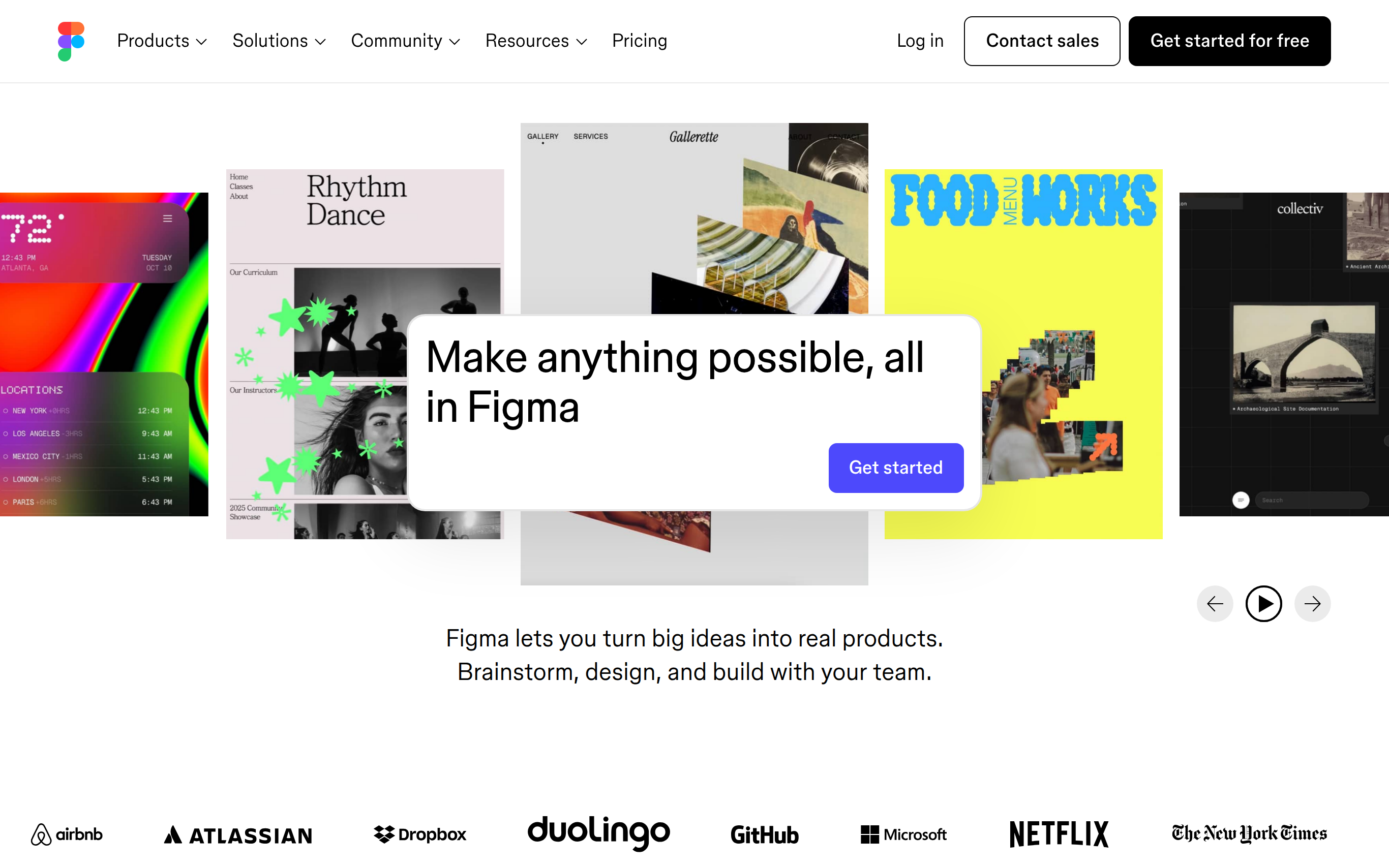

Figma is a collaborative web-based design tool that empowers design and development teams to create exceptional products together. It allows users to design and refine products in a shared environment, facilitating instant feedback and collaborative iterations. With features tailored for real-time collaboration, Figma enhances creativity by enabling users to explore ideas freely and create prototypes rapidly. The platform stands out for its ability to seamlessly integrate designs into code, making it a favorite among both designers and developers.
Basic Capabilities :
Real-time Collaboration, Prototyping Tools, Design Systems, Batch Editing, Version Control
Basic Capabilities :
Real-time Collaboration, Prototyping Tools, Design Systems, Batch Editing, Version Control
GOOD FOR
PERSONAL: Ideal for individual designers and freelancers working on limited scope projects, enabling efficient design processes and collaboration.
BUSINESS: Tailored for design and development teams, enhancing workflow by integrating design, feedback, and development processes to improve overall product quality and speed.
BUSINESS: Tailored for design and development teams, enhancing workflow by integrating design, feedback, and development processes to improve overall product quality and speed.
FEATURES
Real-time collaboration: Work simultaneously with team members, gather feedback in real-time, and make design iterations on the fly.
Prototyping tools: Create interactive and realistic prototypes that allow for quick testing of user flows and interactions.
Design systems: Implement scalable design systems that align design and development processes, ensuring consistency in products.
Batch editing: Save time by editing multiple frames and components at once, optimizing workflows and reducing manual tasks.
Auto-layout features: Designs automatically adjust to fit various layout sizes, eliminating the need for manual resizing.
Version control: Keep track of changes and revert to previous versions seamlessly to ensure design integrity.
Commenting and feedback: Collect and manage feedback directly in the design file through comments, streamlining communication.
Integrated handoff: Easily translate designs into code formats that developers can use, enhancing workflow efficiency between disciplines.
Prototyping tools: Create interactive and realistic prototypes that allow for quick testing of user flows and interactions.
Design systems: Implement scalable design systems that align design and development processes, ensuring consistency in products.
Batch editing: Save time by editing multiple frames and components at once, optimizing workflows and reducing manual tasks.
Auto-layout features: Designs automatically adjust to fit various layout sizes, eliminating the need for manual resizing.
Version control: Keep track of changes and revert to previous versions seamlessly to ensure design integrity.
Commenting and feedback: Collect and manage feedback directly in the design file through comments, streamlining communication.
Integrated handoff: Easily translate designs into code formats that developers can use, enhancing workflow efficiency between disciplines.
PRICING
FREE: Access Figma’s core features with limited storage, ideal for individual projects and small teams.
INDIVIDUAL: For $12/month, unlock premium features such as unlimited version history and advanced collaboration tools.
BUSINESS: At $45/month per editor, gain access to additional admin controls, enhanced security, and design system features, perfect for teams of all sizes.
ENTERPRISE: Tailored pricing including advanced security features, dedicated support, compliance tools, and governance capabilities for larger organizations with specific needs.
INDIVIDUAL: For $12/month, unlock premium features such as unlimited version history and advanced collaboration tools.
BUSINESS: At $45/month per editor, gain access to additional admin controls, enhanced security, and design system features, perfect for teams of all sizes.
ENTERPRISE: Tailored pricing including advanced security features, dedicated support, compliance tools, and governance capabilities for larger organizations with specific needs.
TECHSTACK
Design Tools – Figma is built on a robust web technology stack that supports high-performance rendering for design operations.
Collaboration Framework – Real-time collaboration using WebSockets allows seamless updates across teams.
Integration Capabilities – Supports third-party integrations with tools like Slack, Jira, and GitHub to enhance workflows.
Prototype Engine – A powerful engine for creating interactive prototypes that simulate user interactions.
API Access – Comprehensive API for plugins and integrations, facilitating customization and extending functionalities.
Collaboration Framework – Real-time collaboration using WebSockets allows seamless updates across teams.
Integration Capabilities – Supports third-party integrations with tools like Slack, Jira, and GitHub to enhance workflows.
Prototype Engine – A powerful engine for creating interactive prototypes that simulate user interactions.
API Access – Comprehensive API for plugins and integrations, facilitating customization and extending functionalities.
last update : November 13, 2025