Datawrapper
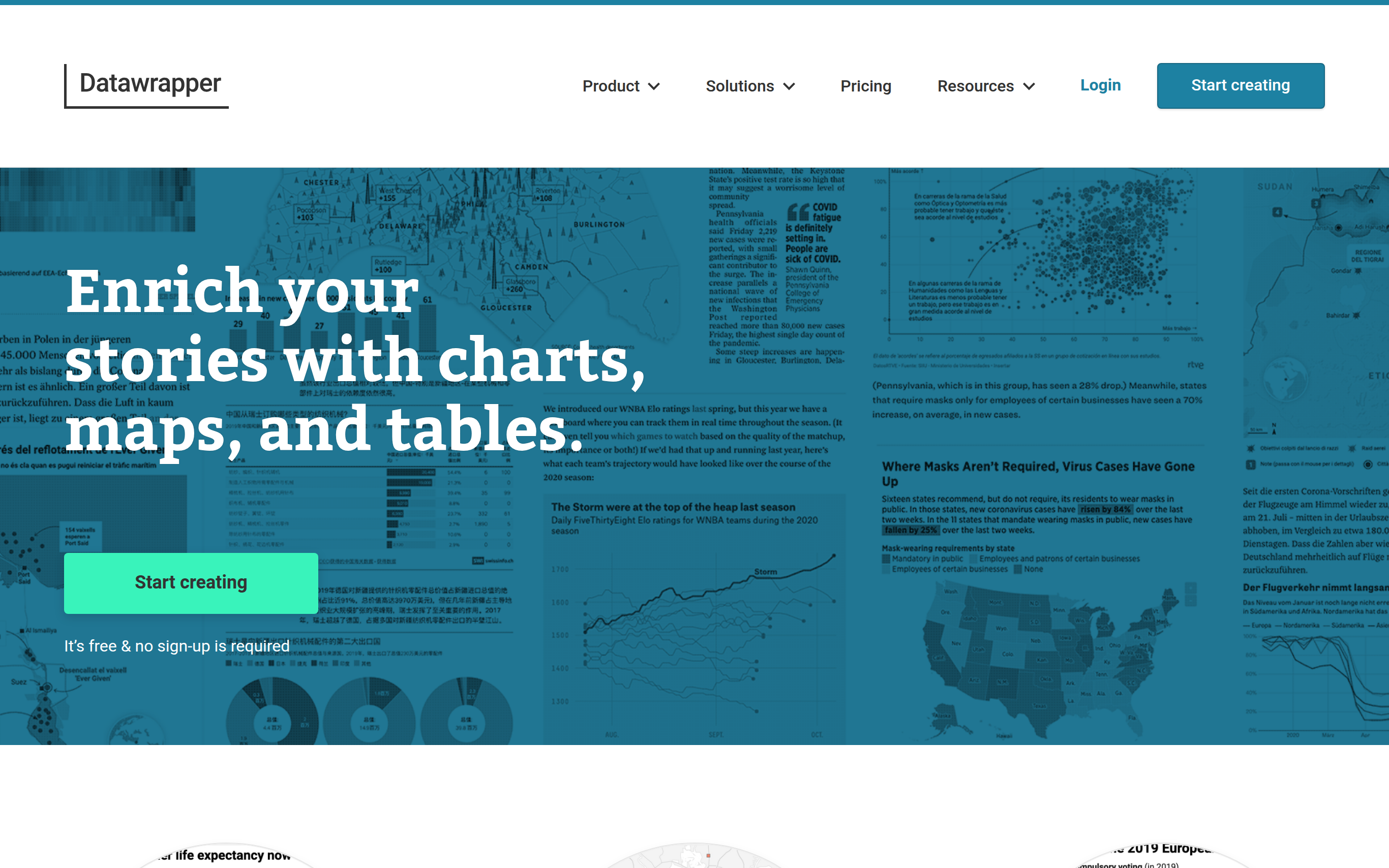

Datawrapper is a powerful tool designed to help users create interactive charts, maps, and tables effortlessly. Its core value lies in enabling anyone, regardless of coding or design skills, to transform data into visual stories that engage audiences. With a user-friendly interface, users can easily import data from various sources and select from a range of customizable chart and map types. Datawrapper empowers teams from media organizations, businesses, and institutions to present data effectively, ensuring accessibility and responsiveness across devices. By prioritizing ease of use and visualization quality, it stands out in a crowded market.
Basic Capabilities :
Interactive Charts, Responsive Maps, Stylish Data Tables, Easy Data Import, Collaborative Tools
Basic Capabilities :
Interactive Charts, Responsive Maps, Stylish Data Tables, Easy Data Import, Collaborative Tools
GOOD FOR
FEATURES
INTERACTIVE CHARTS: Offers 20 different chart types, including bars, lines, and scatter plots, allowing users to create interactive visualizations that enhance storytelling.
RESPONSIVE MAPS: Provides three map types, including locator and choropleth maps, ensuring users can visualize geographic data seamlessly.
STYLISH DATA TABLES: Enables users to create visually appealing data tables with options for charts, heatmaps, and pagination, enhancing the presentation of data.
EASY DATA IMPORT: Supports data import from Excel, Google Sheets, or direct CSV/XLS uploads, making it simple for users to get started.
CUSTOMIZABLE ANNOTATIONS: Users can annotate and customize their charts easily to highlight key insights and enhance clarity.
EMBEDDING OPTIONS: Facilitates sharing by allowing users to copy responsive embed codes for seamless integration into websites or content management systems.
EXPORT FUNCTIONALITY: Users can export their visualizations as PNG, SVG, or PDF formats, making it easy to include in reports and publications.
REAL-TIME UPDATES: Allows users to link to URLs or Google Sheets for live-updating charts, ensuring data remains current without manual updates.
USER SUPPORT: Offers assistance for unique needs and suggestions, making users feel supported in their creative process.
COLLABORATIVE TOOLS: Allows teams to collaborate on visualizations in real-time for improved workflow efficiency.
CUSTOM GRAPHIC STYLING: Users can apply custom styling options to align visualizations with branding or design standards.
RESPONSIVE MAPS: Provides three map types, including locator and choropleth maps, ensuring users can visualize geographic data seamlessly.
STYLISH DATA TABLES: Enables users to create visually appealing data tables with options for charts, heatmaps, and pagination, enhancing the presentation of data.
EASY DATA IMPORT: Supports data import from Excel, Google Sheets, or direct CSV/XLS uploads, making it simple for users to get started.
CUSTOMIZABLE ANNOTATIONS: Users can annotate and customize their charts easily to highlight key insights and enhance clarity.
EMBEDDING OPTIONS: Facilitates sharing by allowing users to copy responsive embed codes for seamless integration into websites or content management systems.
EXPORT FUNCTIONALITY: Users can export their visualizations as PNG, SVG, or PDF formats, making it easy to include in reports and publications.
REAL-TIME UPDATES: Allows users to link to URLs or Google Sheets for live-updating charts, ensuring data remains current without manual updates.
USER SUPPORT: Offers assistance for unique needs and suggestions, making users feel supported in their creative process.
COLLABORATIVE TOOLS: Allows teams to collaborate on visualizations in real-time for improved workflow efficiency.
CUSTOM GRAPHIC STYLING: Users can apply custom styling options to align visualizations with branding or design standards.
PRICING
FREE: Includes access to basic features with a limit on the number of visualizations and downloadable formats per month. Ideal for individuals looking to create and share simple visualizations.
INDIVIDUAL: Priced at $15/month, this tier unlocks additional chart types, enhanced export options, and more. Perfect for professionals seeking to create detailed visualizations.
BUSINESS: Starting at $500/year for 5 users, this tier includes advanced features like SSO/SAML, custom styling options, and admin controls for teams to enhance collaboration.
ENTERPRISE: Custom pricing available, offering enhanced security features, compliance options, governance, and indemnity solutions tailored for large organizations for holistic data management.
INDIVIDUAL: Priced at $15/month, this tier unlocks additional chart types, enhanced export options, and more. Perfect for professionals seeking to create detailed visualizations.
BUSINESS: Starting at $500/year for 5 users, this tier includes advanced features like SSO/SAML, custom styling options, and admin controls for teams to enhance collaboration.
ENTERPRISE: Custom pricing available, offering enhanced security features, compliance options, governance, and indemnity solutions tailored for large organizations for holistic data management.
TECHSTACK
DATA MODELING: Utilizes advanced data modeling techniques to process and visualize data accurately and quickly.
CHARTING LIBRARY: Integrates a powerful charting library that supports a variety of visualization types and interactions.
CLOUD STORAGE: Leverages cloud technology for data storage, enabling secure access and real-time collaboration on visualizations.
API INTEGRATIONS: Offers APIs that allow seamless integration with external data sources, enhancing flexibility and functionality in data usage.
USER AUTHENTICATION: Implements secure user authentication methods to protect user data and improve access control for organizations.
CHARTING LIBRARY: Integrates a powerful charting library that supports a variety of visualization types and interactions.
CLOUD STORAGE: Leverages cloud technology for data storage, enabling secure access and real-time collaboration on visualizations.
API INTEGRATIONS: Offers APIs that allow seamless integration with external data sources, enhancing flexibility and functionality in data usage.
USER AUTHENTICATION: Implements secure user authentication methods to protect user data and improve access control for organizations.
last update : October 29, 2025